You haven't signed in yet, you can have a better experience after signing in
Powerful Director 365 Video Editing and Editing Tool Software
Activity Rules
1、Activity time:{{ info.groupon.start_at }} ~ {{ info.groupon.end_at }}。
1、Activity time:cease when sold out。
2、Validity period of the Group Buying:{{ info.groupon.expire_days * 24 }} hours。
3、Number of Group Buying:{{ info.groupon.need_count }}x。
Please Pay Attention
1、Teamwork process: Join/initiate a Group Buying and make a successful payment - Within the validity period, the number of team members meets the activity requirements - Group Buying succeeded!
2、If the number of participants cannot be met within the valid period, the group will fail, and the paid amount will be refunded in the original way.
3、The number of people required and the time of the event may vary among different products. Please pay attention to the rules of the event.
Powerful Director 365 Video Editing and Editing Tool Software
Simplify video editing and unleash unlimited creativity
Editing, adjusting, adding effects, and uploading for sharing, PowerDirector combines powerful audio and video editing functions with easy-to-use tools to provide users with new eye-catching special effects, smooth user experience, and continuously increasing material library. Whether you are a beginner or a professional player, you can quickly get started and easily create your own wonderful creations!
Powerful tools in hand to create freely and freely
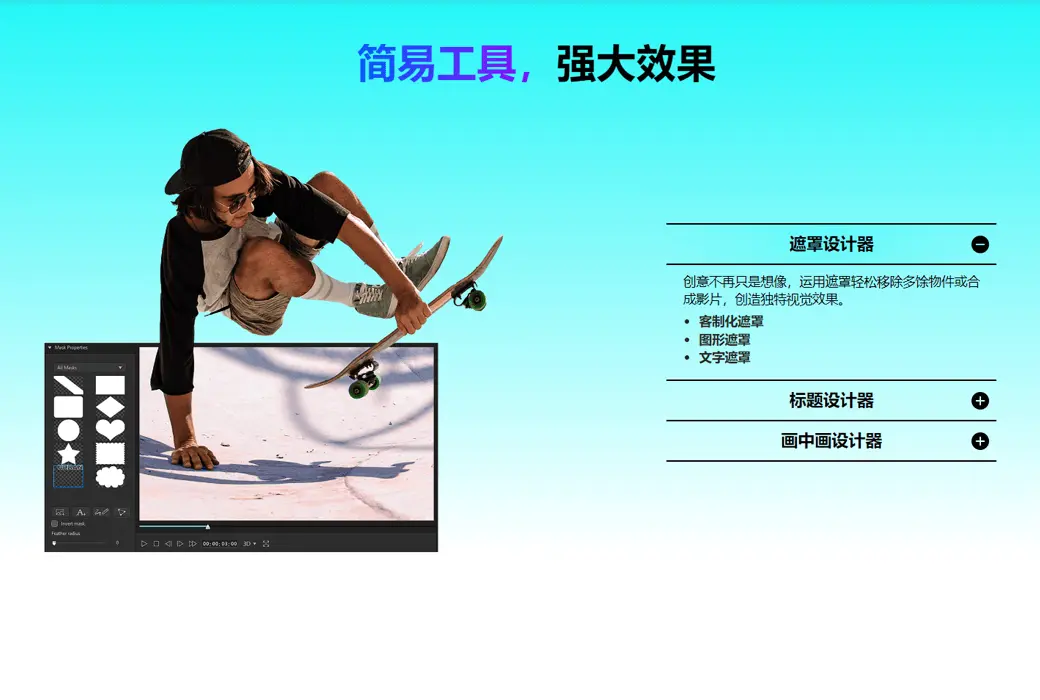
Unrestricted in audiovisual creation, equipped with all the video editing and special effects tools you need, allowing creators to freely tell audiovisual stories.
Combining photo and video editing to break through the boundaries of creativity!
Video and photo editing in both directions, with a simple and fast process! The video editing software "Power Director" seamlessly integrates with the photo editing software "Photo Master". Photo Master can quickly beautify your photos, create advanced layer images, and even create magical dynamic photos. Complete image creation within the Photo Master software, whether in static or dynamic file format, which can be directly added to the Power Director project for use, and enjoy the smooth back and forth editing process of images and videos!
Use Power Director 365 to achieve more exciting creations
Get access to the powerful editing platform and exclusive features of Power Director, as well as the monthly release of new expansion kits and unlimited use of high-quality media material libraries.
Dynamic graphic title
Using beautifully designed dynamic graphic text templates to make video titles more eye-catching, accurately convey information, and save editing time.
LUT color tone preset
Make the picture more exciting and vivid, use LUT color tone presets, and quickly adjust the video color tone through color matching methods.
Professional effect
Provide a series of transition effects and dazzling effects to quickly enhance the professionalism of videos.
Theme Template
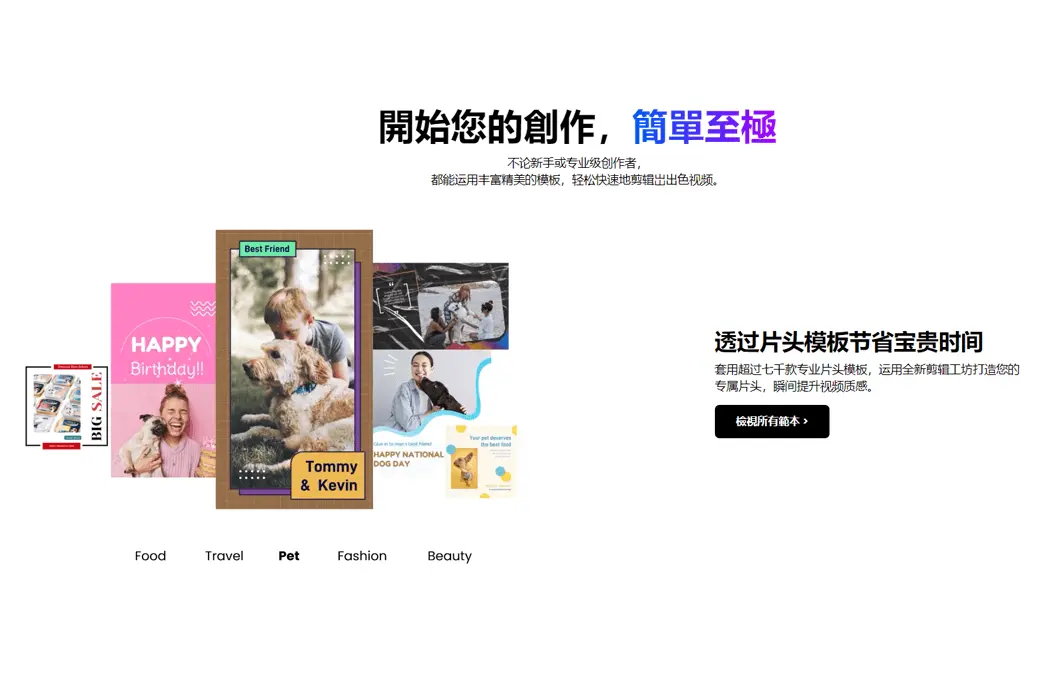
Use theme templates to quickly create videos for festivals, special occasions, or other themed events.
Rich music material library
Unlimited use of newly added music tracks and sound effects every month to add perfect music to videos.
Priority customer service for subscribed users
365 subscribers exclusively enjoy priority support services.


Official website:https://cn.cyberlink.com/
Download Center:https://powerdirector365.apsgo.cn
Backup Download:N/A
Delivery time:24-hour automatic shipping
Operating Platform:Windows、macOS
Interface language:Supports Chinese interface display and multiple language options.
Update Description:365 version supports 1 year of use and updates.
Trial before purchase:Free version with limited functionality before purchase.
How to receive goods:After purchase, the activation information will be sent to the email address at the time of placing the order, and the corresponding product activation code can be viewed in the personal center, My Orders.
Number of devices:Can install one computer.
Replace computer:Uninstall the original computer and activate the new computer.
Activation guidance:https://membership.cyberlink.com/account/redeem
Special note:To be added.
reference material:https://cn.cyberlink.com/store/powerdirector-video-editing-software/buy_zh_CN.html
Any question
Operating System
Microsoft Windows 11, 10 (64-bit operating system only, supports Windows 11 Arm64)
AI features and NVIDIA audio/video noise reduction and echo cancellation are only supported on Microsoft Windows 11 or 10 or later versions.
Central Processing Unit (CPU)
Intel
Intel Core™ i series (6th generation) and above
Haswell (4th generation processor): AI features require Core i7-4770 (Core and Xeon brands only) or above.
AMD
AMD Phenom® II and above.
AI features require AMD A8-7670K and above, AMD Ryzen™ 3 1200 and above.
Display Adapter (GPU)
Standard video: Requires a display adapter with at least 128 MB of VGA VRAM or higher.
360 panoramic video: Requires a display adapter supporting DirectX 11.
AI art style plugin: Requires a display adapter with 2GB of VGA VRAM or higher.
NVIDIA audio/video noise reduction and echo cancellation: NVIDIA GeForce RTX 2060, NVIDIA Quadro RTX 3000, NVIDIA TITAN RTX or higher.
For more details, please visit the official website:
https://cn.cyberlink.com/products/powerdirector-video-editing-software/specs_zh_CN.html